For successful connection you will be required to have an account on SpurrOpen.com and the necessary license on Zoom to create registration enabled meetings.
Steps
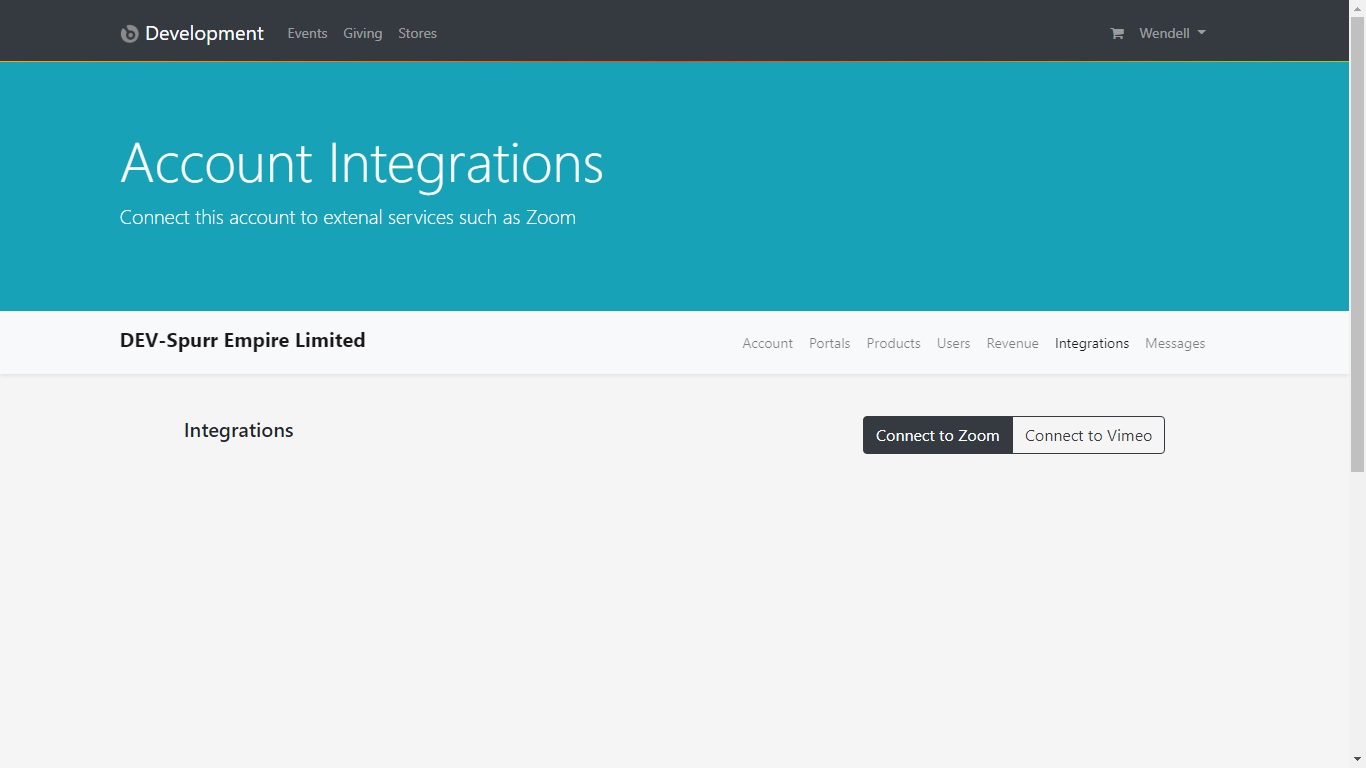
- Login to SpurrOpen.com and navigate to Manage Accounts.
- Select the respective business account from the listing.
- Click Integrations from the account menu.
- Look for the Zoom integrations and select Connect to Zoom.
Once you complete the authorization, you will be redirected to the integration page showing that the connection is successful and active. You should see the information for the SpurrOpen user that did the connection, as well as the Zoom user who authorized it.
Was this article helpful?
That’s Great!
Thank you for your feedback
Sorry! We couldn't be helpful
Thank you for your feedback
Feedback sent
We appreciate your effort and will try to fix the article