After you have configured all the areas of the event page that are pertinent to your event, you can procees to publishing the event and sharing it with the world.
Steps
- After accessing the event portal
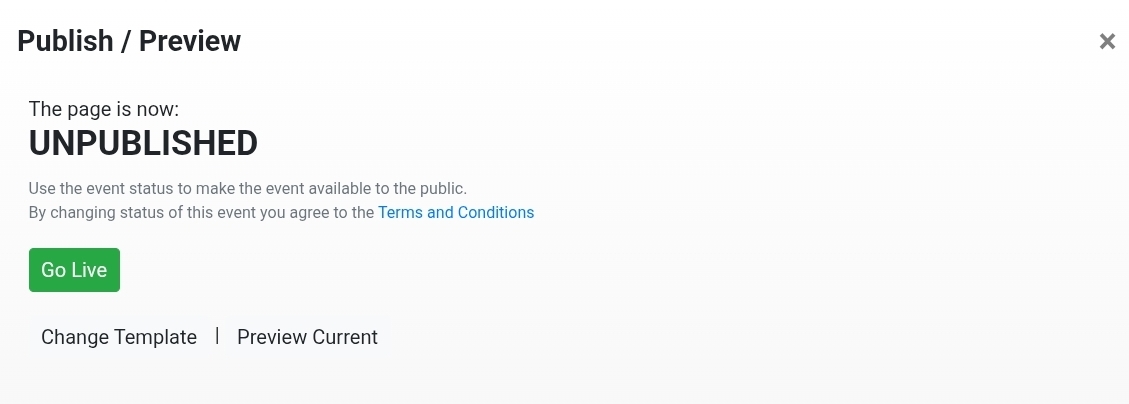
- Select Publish from the menu
- Select the option to Go Live
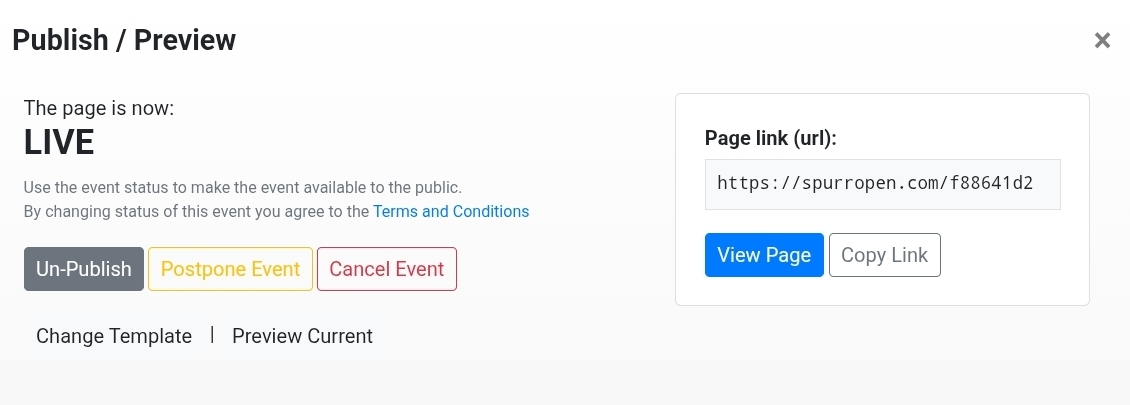
After you have published the event, you will be presented with the link that you can use to share it to the world.
Was this article helpful?
That’s Great!
Thank you for your feedback
Sorry! We couldn't be helpful
Thank you for your feedback
Feedback sent
We appreciate your effort and will try to fix the article