The flyer section is where you can upload your or remove event flyers on SpurrOpen. You may upload multiple flyers for your event.
Steps to access
- After accessing the event portal
- Select Setup from the menu, then select Page Setup
- Look for the section labeled "Flyers"
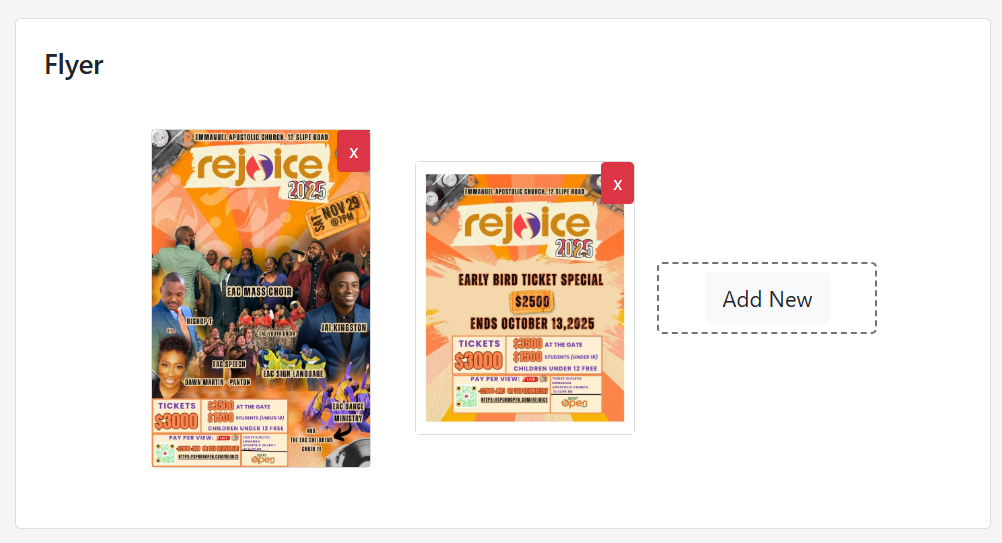
Use the "Add New" button to browse for an image on your device. Use the red "X" on the flyer to remove a flyer already uploaded.
Was this article helpful?
That’s Great!
Thank you for your feedback
Sorry! We couldn't be helpful
Thank you for your feedback
Feedback sent
We appreciate your effort and will try to fix the article